
Metabase: a data dashboard to run your business in 2026
Metabase for SMBs: centralize your data, build dashboards and track your KPIs in real time. A comparison with Power BI and Looker, and the tool's limits.
 Tech · 7 min
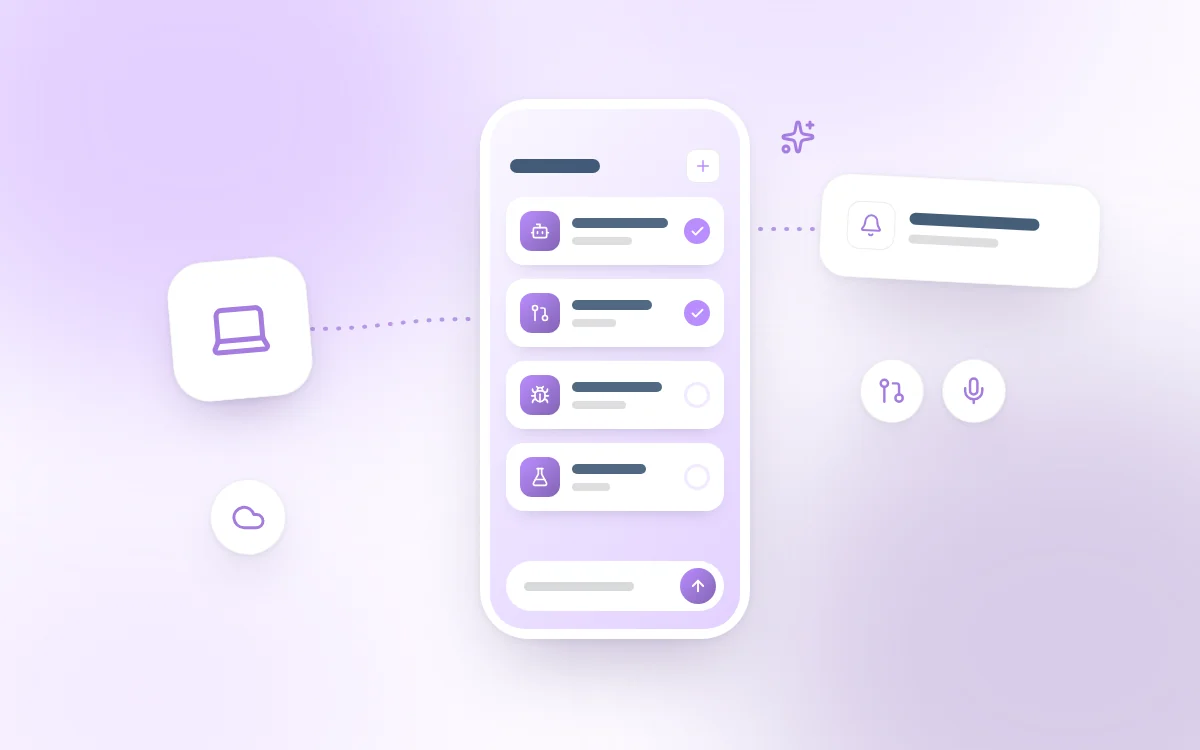
Cursor for iOS is a native app available on the App Store since June 29, 2026. It turns your iPhone into a cockpit for your AI agents: launch tasks in the cloud, remotely control an agent running on your Mac, approve pull requests, all without opening your laptop.
Cursor for iOS is Cursor's official mobile app, released in public beta on June 29, 2026 on the App Store. Unlike the mobile code editors of previous years, Cursor does not try to make you type code on a virtual keyboard. The app is a control plane for AI agents: you pick a repository, describe a task, then supervise the work while the agent executes in the background.
A Cursor Agent is an AI entity that can refactor code, fix bugs, run tests or open a pull request. On mobile, you steer these agents in two complementary ways:
The app shares the same backend as cursor.com/agents and the desktop Agents window. An agent launched on mobile automatically appears on your computer, and vice versa.
Mobile productivity is no longer measured by the number of lines typed, but by the speed of decision-making. Here is what the app brings in practice.
Open the app, select a repository and a branch, then launch an agent just like on desktop. You can choose any available frontier model, use slash commands and dictate your instructions with voice input and live transcription.
Cloud agents can run for a long time: you lock your phone and the agent keeps working in the cloud. You follow the activity feed in real time, send follow-ups to a running agent, and view subagents through their dedicated cards.
Remote Control is the flagship feature of this release. From the app, you keep directing an agent launched on your computer. The agent loop runs in Cursor's cloud, but terminal commands, file changes and tests run on your local machine. Your code, your secrets and your caches stay on your Mac.
To enable it, run /remote-control in the Agents window of Cursor desktop (version 3.9.8 minimum), then pick up the session on your iPhone. Cursor recommends enabling the "Keep this computer awake" option to prevent your Mac from going to sleep during a remote session.
Once an agent is launched, you can leave the app. Cursor sends push notifications when an agent finishes, needs clarification or is ready for review. Live Activities show the status of up to eight agents on the lock screen and in the Dynamic Island.
For review, the app is not a full IDE: you see diffs, commits, deployments and review threads. You can merge a PR (squash, auto-merge, branch update), publish, close, or send a failing check back to the agent via "Fix with Agent".
Design Mode lets you attach photos, camera captures or files, then visually annotate an interface to guide the agent, which is useful when user feedback arrives from X or another social network as a screenshot.
The MCP (Model Context Protocol) integration also works on mobile: you select which MCP servers to enable when launching an agent (Slack, Datadog, etc.), just like on the web. To dig deeper into this protocol, see our article on MCP and agent-first architectures.
Before the iOS release, mobile access was only possible through the cursor.com/agents web portal. The two options now coexist:
| Criterion | Native iOS app | cursor.com/agents web portal |
|---|---|---|
| Installation | App Store (iPhone and iPad) | Browser or PWA "Add to Home Screen" |
| Notifications | Native push + Live Activities | Browser notifications (limited) |
| Remote Control | Yes | No |
| Native voice input | Yes | Varies by browser |
| Android | Planned (not available) | Yes, right now |
| Required plans | Pro, Pro+, Ultra, Teams, Enterprise | Same |
Cursor has therefore complemented, not replaced, the web approach with a native app that takes full advantage of iOS capabilities (notifications, Dynamic Island, microphone). The official documentation confirms that Android is planned, with no announced date.
The app is reserved for paid plans that include Cloud Agents: Pro, Pro+, Ultra, Teams and Enterprise. It requires iOS 26.0 or later, and is in English only for now. Users in Privacy Mode (Legacy) must switch to standard Privacy Mode to enable cloud agents.
Until July 5, 2026, Cursor is offering 75% off Composer 2.5 runs in the mobile app, a clear incentive to try the workflow right at launch.
At Fragments Studio, we see Cursor for iOS as one more building block in augmented development: the human decides, the agent executes, wherever you are. The use cases Cursor highlights match what we observe with our clients:
For a CTO, it is the end of bottlenecks caused by not being at a workstation. For a Product Manager, it is the ability to answer a technical ambiguity with a voice note that the agent turns into coding instructions. The app does not replace a multi-screen setup, but it eliminates the dead time between two work sessions.
Can I really code on my iPhone with Cursor? No, not in the traditional sense. Cursor for iOS is a tool for supervising and steering agents, not a text editor. You give instructions, and the agent writes the code on a cloud machine or on your Mac via Remote Control.
Is Cursor for iOS free? No. The app is available on all paid plans that include Cloud Agents (Pro, Pro+, Ultra, Teams, Enterprise). Usage consumes your regular credits. A 75% discount on Composer 2.5 in the mobile app is active until July 5, 2026.
What is the difference between a cloud agent and Remote Control? A cloud agent runs on a remote Cursor machine with a complete environment. Remote Control picks up a session launched on your Mac: the agent loop is in the cloud, but the tools (terminal, files, tests) run on your local machine.
Does the app work offline? No. Cloud agents and Remote Control require an internet connection. The app is, however, "cache-first": the inbox and conversations open quickly from the local cache, then sync once the connection is back.
Is Android supported?
Not yet. Cursor is planning an Android version. In the meantime, the cursor.com/agents web portal remains accessible from any mobile browser.
With Cursor for iOS, Cursor takes a decisive step: the smartphone becomes a first-class control surface for agentic coding, not just a mirror of the desktop IDE. With always-on cloud agents, Remote Control, touch-based PR review and MCP integration, the app answers a question many developers had been asking: how do you move a project forward when you are away from your desk?
The June 29, 2026 announcement confirms a clear direction: eventually, the cloud and local experiences will become indistinguishable, with seamless handoffs between mobile, desktop and web. For teams already adopting AI agents, now is the time to bring mobile into their workflows, not to type code, but so that a development cycle is never blocked by a lack of availability again.
Adopting tools like Cursor and integrating AI agents into your processes requires specific expertise to avoid technical debt.
Follow Fragments Studio on Google
Add us to your preferred sources and our articles get surfaced first in Top Stories, AI Overviews and AI Mode.
 Tech · 6 min
Metabase for SMBs: centralize your data, build dashboards and track your KPIs in real time. A comparison with Power BI and Looker, and the tool's limits.
 Tech · 6 min
Using Cursor as a team in 2026: how to set up .cursorrules, share context, keep your code secure and compare Cursor with Claude Code and Copilot.
 Tech · 7 min
Scalable software architecture for SaaS in 2026: modular monolith or microservices, horizontal scaling, caching, message queues and the mistakes to avoid.
Fragments Studio handles everything: from strategy to production.
Discuss my project