
Metabase: a data dashboard to run your business in 2026
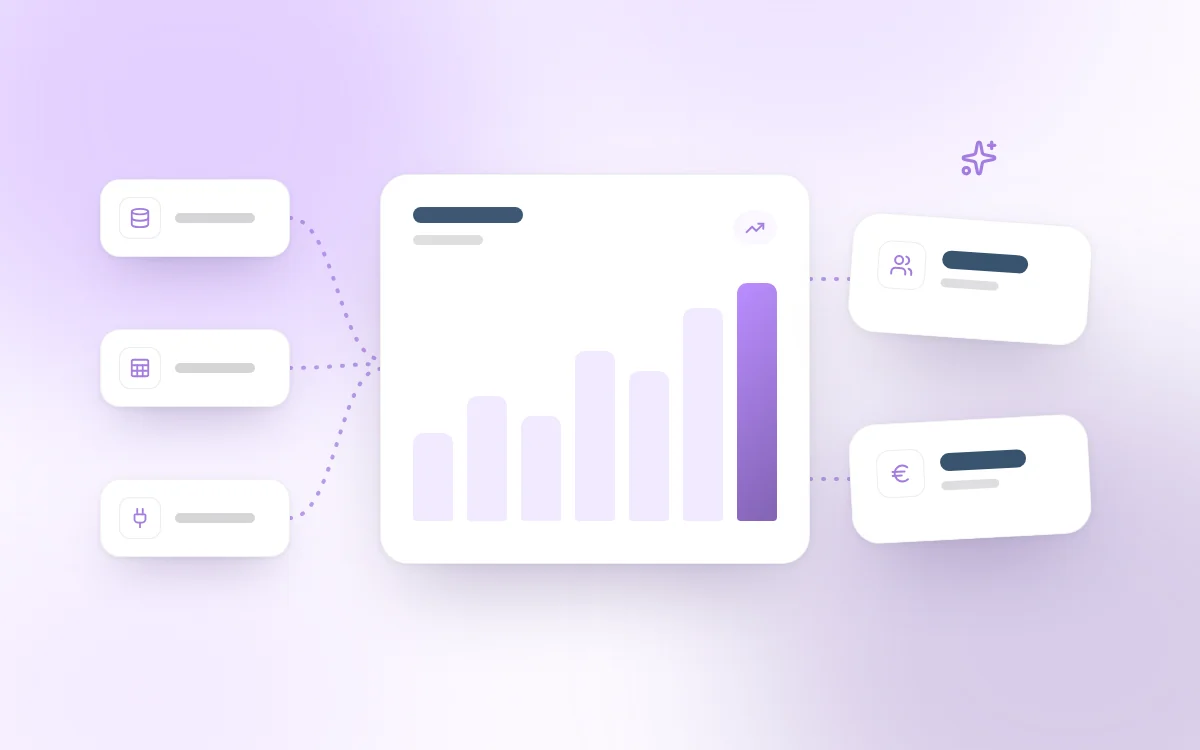
Metabase for SMBs: centralize your data, build dashboards and track your KPIs in real time. A comparison with Power BI and Looker, and the tool's limits.
 Tech · 7 min
The axios npm package, a pillar of modern web development, was the target of a major compromise through a supply chain attack. This incident is a reminder that even the most reliable tools can become infection vectors if you do not actively monitor your dependencies.
It is one of every CTO's or developer's worst fears: watching a trusted library, used by millions of projects, turn into a Trojan horse. That is exactly what just happened with axios, the most popular HTTP client in the JavaScript ecosystem. With more than 100 million downloads per week, the potential impact of such a breach is colossal.
At Fragments Studio, we closely monitor these vulnerabilities to secure our clients' infrastructure. Here is our analysis of this attack, its risks and the concrete measures to take immediately.
A supply chain attack is a cyberattack that targets third-party components of a piece of software, such as an open-source library, in order to infect end users.
In the recent axios case, the compromise did not come from a code flaw in the project itself, but from a takeover of a maintainer's account on the npm registry.
The attacker published malicious versions (notably versions 1.14.1 and 0.30.4) containing a hidden dependency named plain-crypto-js. This seemingly harmless package actually contained a cross-platform Remote Access Trojan (RAT).
The technical particularity of this attack lies in its stealth. No axios source file was modified on GitHub. The malicious code was injected directly at publication time on npm, using the postinstall hook to execute the malware as soon as the user runs an npm install command.
The more popular a library is, the more attractive a target it becomes for attackers. Axios is present in almost every modern web project, whether frontend (React, Vue, Next.js) or backend (Node.js).
The blast radius here is maximal: by infecting a single package, the attacker potentially gains access to millions of servers and development machines.
According to recent security reports, software supply chain attacks have increased by more than 200% in recent years, because they make it possible to bypass corporate firewalls by coming in through the developers' front door.
At Fragments Studio, we systematically address these issues in our custom development work, because security does not start at deployment, but as soon as dependencies are chosen.
A compromise via an npm package is not a simple bug; it is a deep intrusion into your system. The risks fall into three levels:
.env files and steal your API keys, your database credentials or your service tokens.It is crucial to understand that a developer who installed these malicious versions must consider their work machine fully compromised.
Against this type of threat, manual vigilance is no longer enough. Here are the best practices we apply to secure our web projects.
The first step is to check whether your project uses a compromised version. Use the following command to inspect your dependency tree: npm list axios.
Make sure your package-lock.json or yarn.lock file is present and versioned. These files guarantee that every team member and your servers install exactly the same version of the dependencies, avoiding automatic updates to infected minor versions.
By default, npm uses the caret prefix (^), which allows minor updates. For packages as sensitive as axios, prefer pinning the exact version (e.g. 'axios': '1.14.0') in your package.json. This gives you time to validate each update.
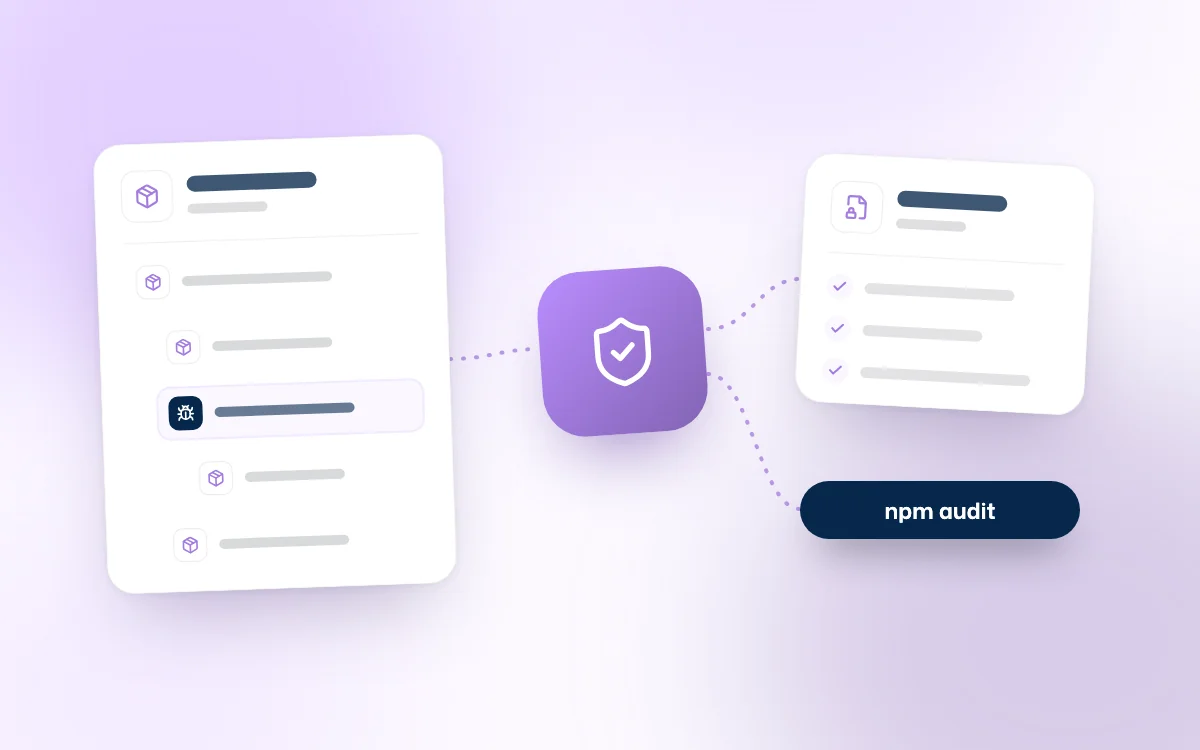
Integrate npm audit or solutions such as Snyk or Socket.dev into your GitHub Actions workflows. These tools automatically block pull requests that try to introduce packages known to be malicious or vulnerable.
The fewer dependencies you have, the smaller your attack surface. Use tools like depcheck to identify and remove packages your project no longer needs.
Never store long-lived npm tokens in your development or deployment environments. Prefer Trusted Publishing (OIDC), which lets you use short-lived tokens, reducing the risk if credentials leak.
How do I know if my project was infected through Axios?
Run npm list axios. If you see versions 1.14.1 or 0.30.4, your project downloaded the malicious code. Also check for a package named plain-crypto-js in your node_modules folder.
Is removing the package enough to clean my computer?
No. If the malware ran (via the postinstall script), it may have installed persistence mechanisms. The standard security recommendation in the event of a RAT infection is to reset the machine and change all the passwords and API keys stored on it.
Why doesn't npm block these packages immediately?
npm reacts quickly once a report is filed, but there is often a delay of a few hours between publication and removal. It is during this window that attacks do the most damage to automated projects.
Are there safer alternatives to Axios?
The main alternative is the native fetch API, available in browsers and modern Node.js. It requires no external dependency, which drastically reduces the risk of a supply chain attack. However, Axios remains an excellent tool if it is properly locked down.
The axios incident is a harsh reminder: the security of your product depends on the security of each of its third-party components. In 2026, dependency management can no longer be a secondary task. It must be built into the core of your Developer Experience and your risk strategy.
At Fragments Studio, we help our partners secure their tech stack, from dependency audits to setting up robust CI/CD pipelines. Trust does not rule out verification.
The security of your dependencies is a critical issue for the long-term viability of your company.
Follow Fragments Studio on Google
Add us to your preferred sources and our articles get surfaced first in Top Stories, AI Overviews and AI Mode.
 Tech · 6 min
Metabase for SMBs: centralize your data, build dashboards and track your KPIs in real time. A comparison with Power BI and Looker, and the tool's limits.
 Tech · 6 min
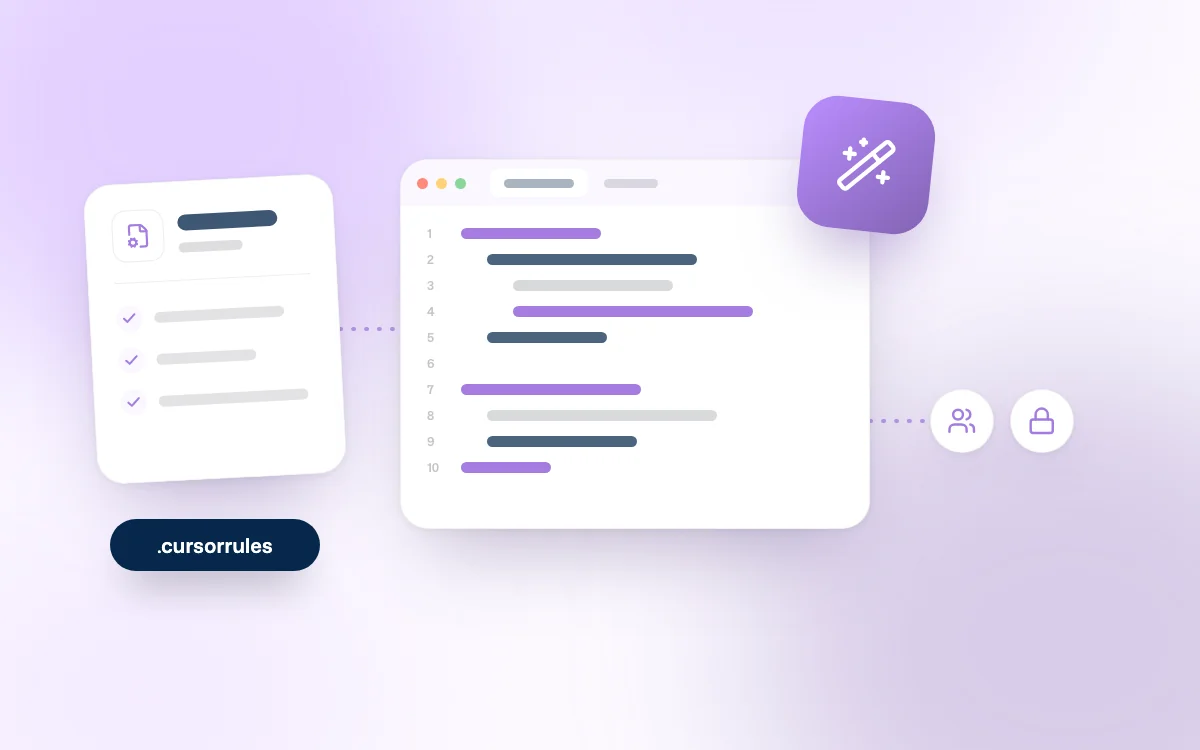
Using Cursor as a team in 2026: how to set up .cursorrules, share context, keep your code secure and compare Cursor with Claude Code and Copilot.
 Tech · 7 min
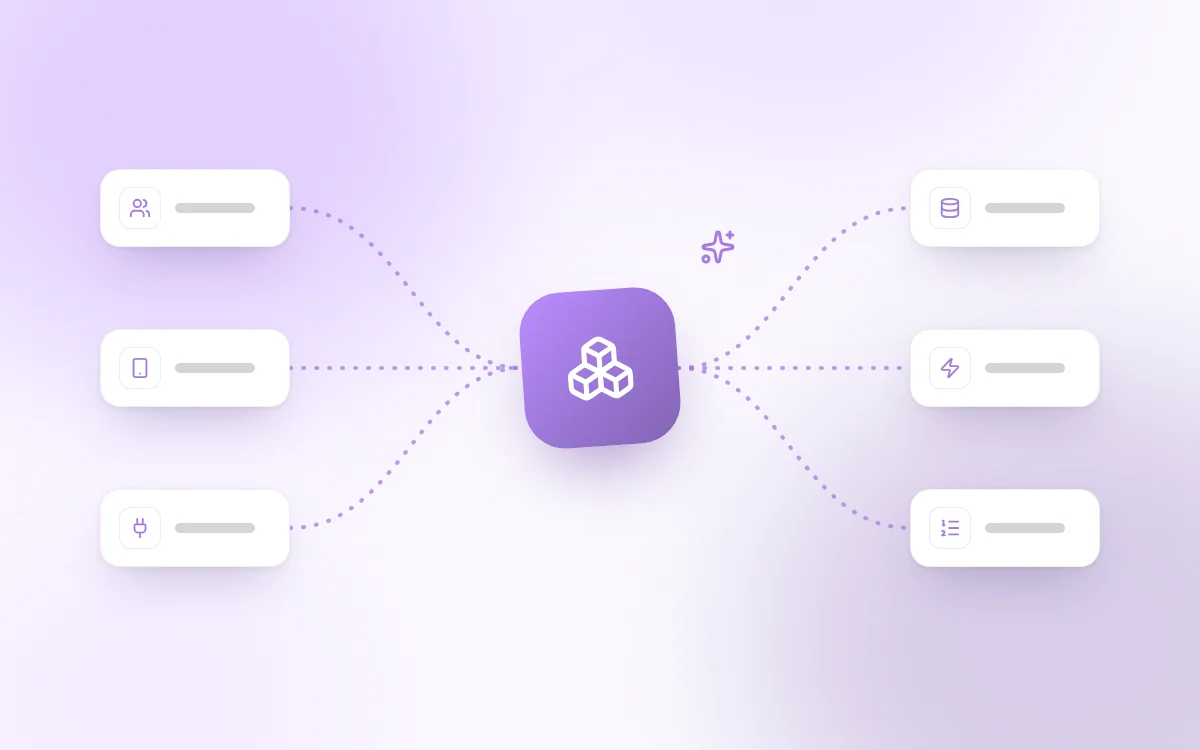
Scalable software architecture for SaaS in 2026: modular monolith or microservices, horizontal scaling, caching, message queues and the mistakes to avoid.
Fragments Studio handles everything: from strategy to production.
Discuss my project