
Metabase: a data dashboard to run your business in 2026
Metabase for SMBs: centralize your data, build dashboards and track your KPIs in real time. A comparison with Power BI and Looker, and the tool's limits.
 Tech · 4 min
In modern software development, the productivity and retention of developers depend as much on their skills as on how smooth their work environment is. Clear workflows, less friction and centralized tools: that is what makes the difference. This is the heart of Developer Experience (DX). Good DX is a decisive factor for productivity, but also for motivation and talent retention: the smoother the environment, the more developers can focus on creating value.
A developer juggling Figma for mockups, Linear for ticket management and GitHub for code quickly loses time in transitions and context switches. Every tool change interrupts their workflow, which leads to a loss of focus and longer lead times. These micro-interruptions add up and, over a week, represent several unproductive hours. Read our article: "Why DX deserves as much attention as UX."
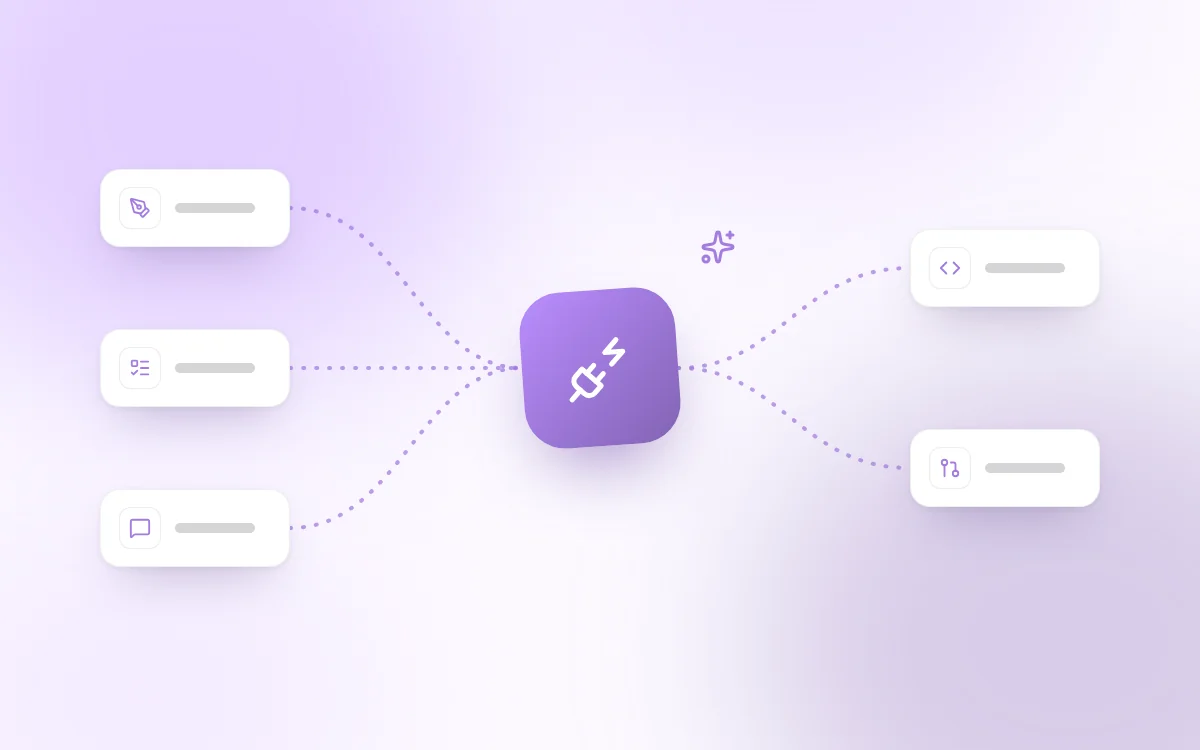
The idea behind MCP servers (like the one offered by Cursor or other equivalent solutions) is precisely to create a "hub" that connects all these tools to simplify and speed up daily work, a bit like a central application server that streamlines interactions between development environments, frameworks, and SQL or NoSQL databases.
An MCP (Model Context Protocol) Server is a system that acts as an intermediate layer between your tools and your development environments. In practice, it standardizes the way different services (e.g. Figma, Linear, GitHub, Notion, Slack) exchange information with your IDE or your work platform.
Instead of switching from one tab to another, the developer interacts with all their tools from a single space. This saves time, but also avoids errors caused by copy-pasting, forgotten updates or duplicated information in relational databases or ticket management systems.
The result: the developer no longer needs to move from one application to another to retrieve data, validate a task or create a query. It is a way to bring consistency back to the core of the development workflow. Where each team member previously had to invent their own scripts or procedures to link tools together, the MCP Server provides a structured and consistent architecture that benefits the whole organization.
The benefits of an MCP Server go well beyond simple comfort:
Less friction: all information is centralized, and the developer stays focused on the code.
Immediate time savings: creating a GitHub branch, opening a Linear issue, linking a Figma mockup or notifying a Slack team takes one click, without having to open a new SSH connection or query a database.
Team-product alignment: designers, PMs and developers collaborate without losing information, reducing errors and speeding up projects.
In short, the MCP Server acts as a facilitator that removes small daily irritants and frees up time to focus on what really matters.
Figma is the essential tool for product designers, but using it often remains a source of friction for developers. By connecting it to an MCP Server, developers can access the specs (sizes, colors, assets) directly, without having to navigate dozens of frames or ask a designer.
Design-side changes are synchronized in real time, a bit like a database update that continuously feeds a system. This avoids misunderstandings caused by outdated versions and considerably reduces back-and-forth.
Linear is widely adopted for tracking tickets, sprints and roadmaps. But when it stays confined to a web interface, it creates an extra barrier for developers. Integration with an MCP Server transforms this experience: a developer can create, update or close a task directly from their IDE, without switching context, as if they were running a stored SQL query from the command line.
GitHub is the heart of development, but it does not live in isolation. Every commit, pull request or issue often needs to be linked to a product task, a mockup or a discussion. Integration with an MCP Server automates these links and avoids duplicating information across different DBMSs or internal systems.
Slack becomes a channel built into the development flow: ticket notifications, design comments or build alerts are directly visible without leaving the IDE, like a web server continuously broadcasting a project's events.
Measurable productivity: less context switching, more velocity, better deadline management.
Fewer human errors: less copy/paste, lower risk of inconsistencies in SQL data or in data storage.
Better morale and retention: a modern environment (Linux, Ubuntu, Docker, server clusters for high availability) strengthens engagement and keeps developers loyal.
Identify current friction points
Before getting started, it is crucial to map the moments when developers lose time: tool transitions, manual updates, lack of visibility on specs or duplicated information in existing databases. This initial diagnosis lets you prioritize the integrations that will have the most impact on the team's productivity and well-being.
Choose the right connectors
Not all tools carry the same weight in a team's daily work. To maximize efficiency, it is best to start with the most used ones, often GitHub, Figma and Linear, before gradually extending to others such as Notion, Slack or Jira. This incremental approach limits risks and delivers value quickly.
Test and adjust as a team
MCP integration should be seen as a continuous improvement process. A POC (proof of concept) is often enough to demonstrate the added value and convince teams. Once tested, the system can be adjusted to match real needs on the ground, with regular iterations to adapt it as projects and internal practices evolve.
Optimizing Developer Experience (DX) is not a passing trend, it is a strategic lever for developer productivity and retention. By connecting your key tools via an MCP Server, you reduce friction, automate flows and free up time for value creation and innovation.
In practice, the approach resembles setting up a server infrastructure: you interconnect environments, frameworks, languages (Java, Python, PHP), and SQL or NoSQL databases to ensure scalability and resilience.
Companies that invest in DX strengthen not only their capacity to innovate, but also their appeal to talent. In an ultra-competitive market, offering a modern, smooth and centralized environment thanks to an MCP Server can make the difference.
Follow Fragments Studio on Google
Add us to your preferred sources and our articles get surfaced first in Top Stories, AI Overviews and AI Mode.
 Tech · 6 min
Metabase for SMBs: centralize your data, build dashboards and track your KPIs in real time. A comparison with Power BI and Looker, and the tool's limits.
 Tech · 6 min
Using Cursor as a team in 2026: how to set up .cursorrules, share context, keep your code secure and compare Cursor with Claude Code and Copilot.
 Tech · 7 min
Scalable software architecture for SaaS in 2026: modular monolith or microservices, horizontal scaling, caching, message queues and the mistakes to avoid.
Fragments Studio handles everything: from strategy to production.
Discuss my project