
Metabase: a data dashboard to run your business in 2026
Metabase for SMBs: centralize your data, build dashboards and track your KPIs in real time. A comparison with Power BI and Looker, and the tool's limits.
 Tech · 7 min
The shift from a simple chatbot to an autonomous agent is complete. In 2026, Claude Code no longer just suggests lines of code: it navigates your architecture, runs tests and deploys complex fixes from the terminal, the IDE or the Claude app. Here is how to master the tool that is redefining developer productivity this year.
Claude Code is Anthropic's agentic coding tool, available in the terminal, the IDE, the Claude desktop app and the browser. It interacts directly with your file system, your testing tools and your deployment environment. Unlike traditional IDE extensions that stop at autocompletion, Claude Code works as an agentic workflow capable of reasoning autonomously across an entire codebase.
In 2026, we are seeing a massive migration of senior developers toward more agentic work environments, whether in the terminal or in the Claude app. Why? Because Claude Code has access to an extended context of 1 million tokens, allowing it to understand circular dependencies and side effects in massive monorepos that traditional extensions cannot fully index.
At Fragments Studio, using Claude Code has reduced the average time to resolve complex bugs by 35% compared with 2024 methods.
As of July 2026, the tool relies mainly on two core models: Claude Sonnet 5, which has become the go-to model for day-to-day work, and Claude Opus 4.8 for major architectural overhauls, long-running tasks and more critical decisions. This hybrid approach optimizes both token cost and the accuracy of the generated code.
The power of Claude Code in 2026 rests on its modular structure. It is no longer a monolithic block, but an ecosystem of interconnected layers.
The MCP server is the backbone of the tool. It lets Claude Code connect to external data sources (SQL databases, Notion documentation, Slack API) without leaving your work environment.
By configuring an MCP server, you give the AI the ability to check in real time whether a database schema change affects your TypeScript types.
One of Claude Code's most useful capabilities in 2026 is managing subagents. For a complex task, such as migrating an application to a new version of React, Claude Code can spin up secondary agents. They can work in parallel, often in the background by default, while the main agent keeps track of the main task.
| Feature | Impact on development |
|---|---|
| Plan Mode | Analyzes the problem and proposes a strategy before any change. |
| Auto mode | Uses an automated permission mode to let Claude move faster on routine actions, while keeping guardrails on sensitive actions. |
| Extensible Skills | Lets you add reusable expertise and instructions for specialized tasks, in addition to the project's hooks and rules. |
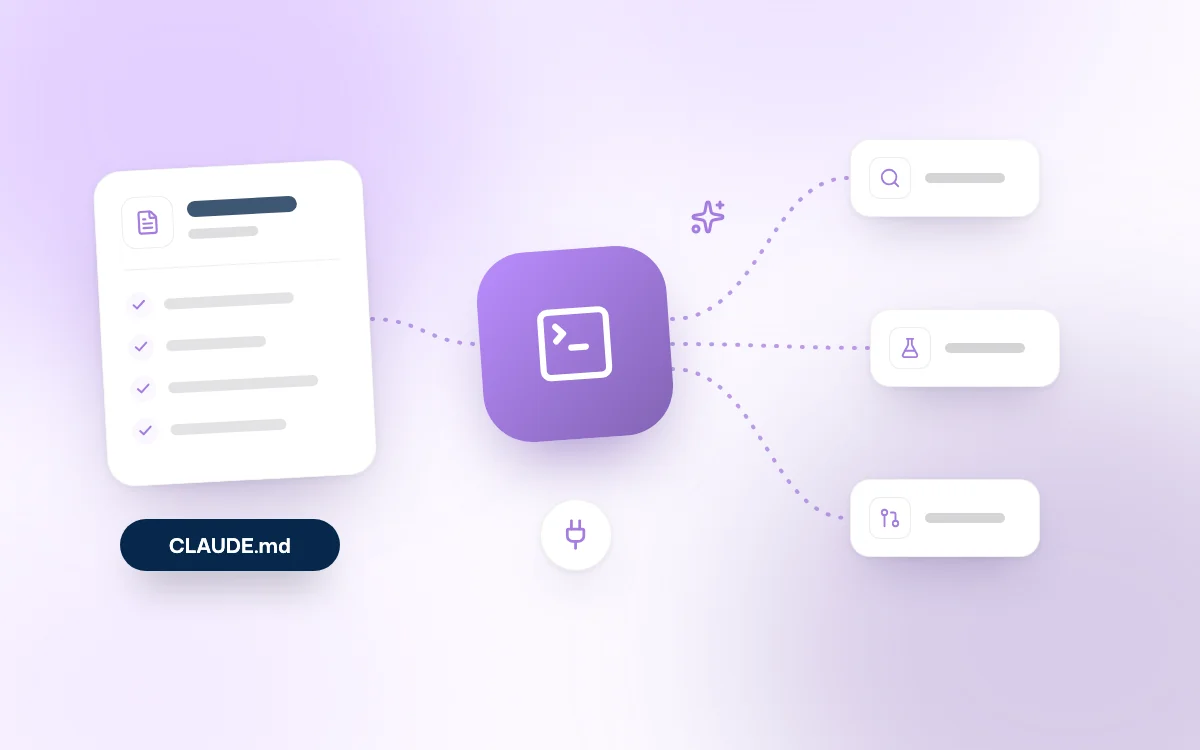
The CLAUDE.md file has become the 2026 standard for human-machine collaboration. It acts as the "project brain" for the AI.
This file contains your naming conventions, your preferred tech stack and, above all, your testing protocols.
A good CLAUDE.md setup should include:
At Fragments Studio, we systematically include a CLAUDE.md from the scoping phase of our AI integration projects. This ensures that any developer, or agent, joining the project is immediately operational with the right context.
Using Claude Code follows a rigorous cycle that guarantees the stability of your applications. Here is the recommended workflow in 2026:
rm, npm install) is run without explicit approval or a pre-established rule.This methodology transforms the developer's role: you become an agent pilot rather than someone who simply writes lines. This is what we call Vibe Coding, where intent takes precedence over syntax.
What is the difference between Claude Code and Cursor? Cursor is an IDE (a fork of VS Code) with built-in AI, while Claude Code is an autonomous development agent available on several surfaces, including the terminal and the Claude app. Claude Code is more powerful for terminal tasks, infrastructure scripts and massive multi-file operations, whereas Cursor shines for visual, cursor-based editing.
Can Claude Code damage my file system? Not by default, thanks to its granular permission system. Agents stay bounded by the working directory, the project's rules and the permission modes. Any truly sensitive or destructive command must remain explicitly approved, especially outside the expected scope.
How do I connect Claude Code to my internal tools? Simply use the Model Context Protocol (MCP). You can create or install MCP servers that bridge Claude and your tools (Jira, GitHub, local databases). This lets Claude read your tickets or query your logs to diagnose a bug.
Is Claude Code paid? Yes. As of July 2026, Claude Code is available in several surfaces of the Claude product, notably the desktop app and the web, in addition to the terminal and IDE integrations. Claude Sonnet 5 is the default model on the Claude Free and Pro plans, while Claude Opus 4.8 is available on the Pro, Max, Team and Enterprise plans. For developers, Claude Code also remains accessible via the Anthropic API with usage-based billing.
Claude Code is not just another gadget in the developer's toolkit. It is the engine of a new era in which the barrier between intent and execution disappears.
By mastering Plan Mode, the CLAUDE.md file and the MCP ecosystem, you do not just gain speed: you increase the quality and robustness of your deliverables.
For companies, adopting these tools has become a strategic imperative. At Fragments Studio, we help teams make this leap, whether by building custom business software or automating their internal processes with AI.
The era of autonomous agents is radically changing how you design and maintain your digital assets.
Follow Fragments Studio on Google
Add us to your preferred sources and our articles get surfaced first in Top Stories, AI Overviews and AI Mode.
 Tech · 6 min
Metabase for SMBs: centralize your data, build dashboards and track your KPIs in real time. A comparison with Power BI and Looker, and the tool's limits.
 Tech · 6 min
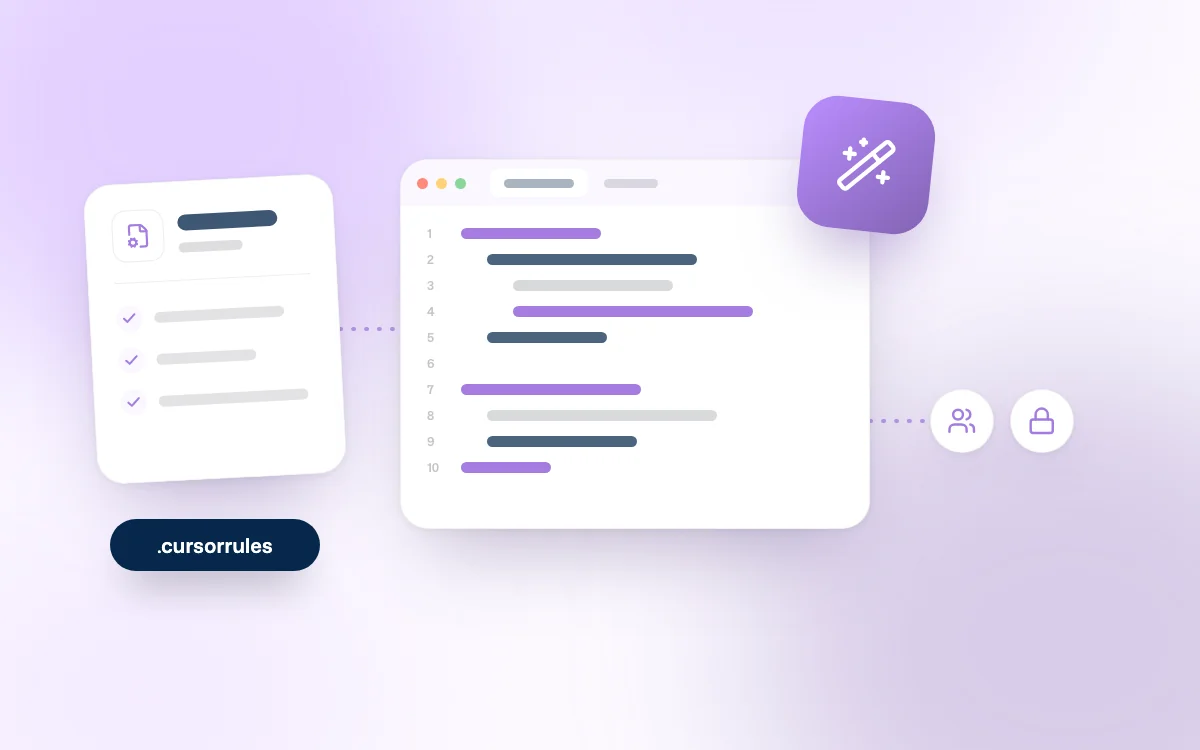
Using Cursor as a team in 2026: how to set up .cursorrules, share context, keep your code secure and compare Cursor with Claude Code and Copilot.
 Tech · 7 min
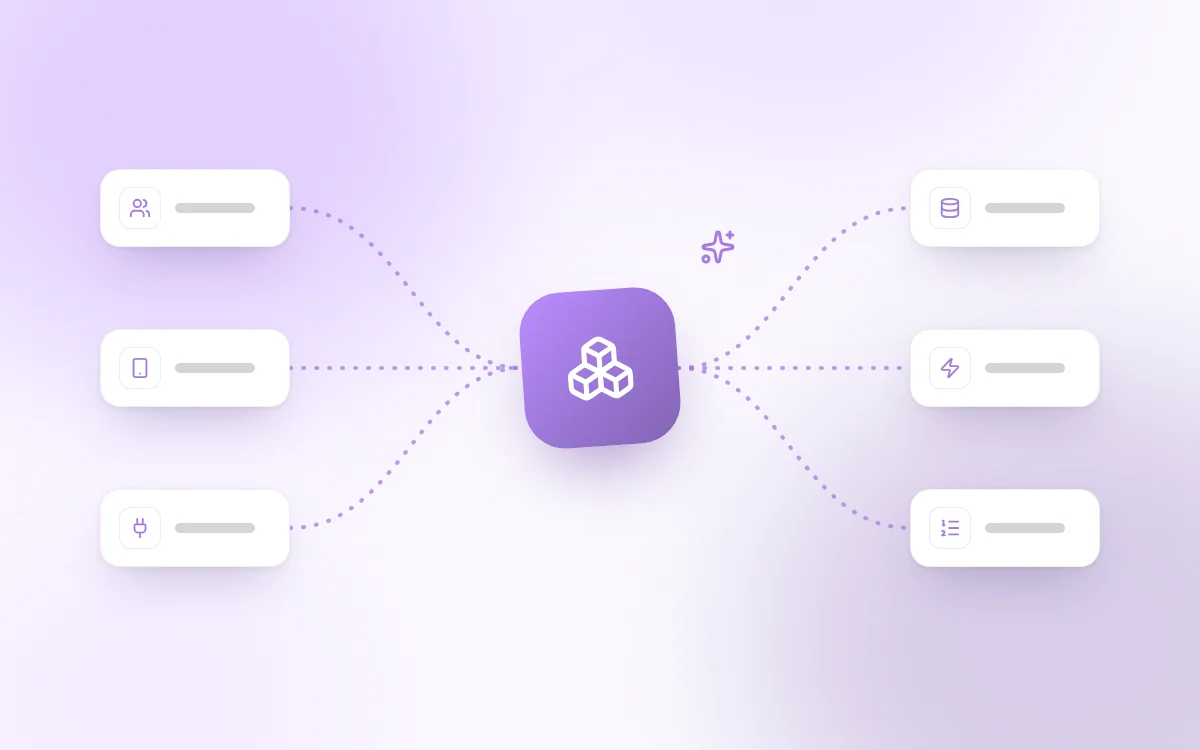
Scalable software architecture for SaaS in 2026: modular monolith or microservices, horizontal scaling, caching, message queues and the mistakes to avoid.
Fragments Studio handles everything: from strategy to production.
Discuss my project