
Web accessibility: RGAA and EAA compliance in 2026
The European Accessibility Act has been in force since 2025. Learn how to make your website RGAA and WCAG compliant to avoid penalties in 2026.
 Design · 3 min
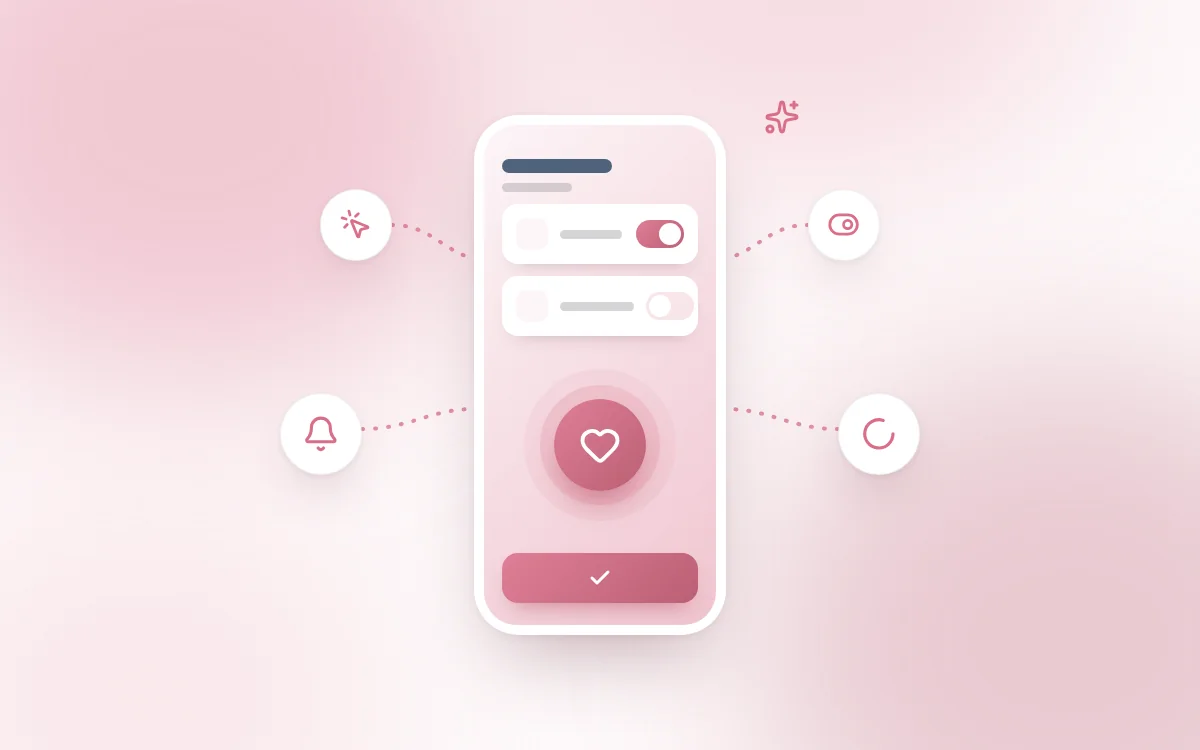
When we talk about UX, we often think about user journeys, screens or the clarity of interfaces. Yet a large part of the user experience comes down to the transitions, visual feedback and micro-gestures that set the rhythm of using a digital tool.
These micro-interactions are everywhere: a button that changes color on hover, a confirmation animation after a click, a discreet message when an action is saved.
They are often invisible... except when they are missing.
A micro-interaction is a small animation or visual (or audio) response tied to a user action. It is not there to look pretty, it has a specific purpose: to guide, inform, reassure, or create a moment of delight.
A few concrete examples:
Users need to know that their action has been taken into account. Immediate visual or audio feedback avoids confusion or repeating an action.
A well-animated transition between two views helps users understand where they are in the journey. It makes the experience more natural and intuitive.
A small, well-measured animation effect can create a feeling of closeness or of a "human response" from the machine.
The tool feels more alive, more attentive.
Like all good UX ingredients, micro-interactions must be useful before being aesthetic.
At Fragments, we use micro-interactions in every project where UX is a differentiator: business apps, web platforms, SaaS, etc.
It is not just a "design" topic. Well-designed micro-interactions can:
👉 That is why we also build them into our internal tool Cockpit, where users (clients and developers alike) need to quickly understand the state of the project.
Micro-interactions are details designed to improve the whole.
When they are well integrated, they strengthen understanding, fluidity and the perceived quality of a product.
And if you are looking for a simple lever to make a real difference in the user experience... start there.
Want us to work together on the fluidity and efficiency of your interface, without redoing everything?
We can audit your current UX and suggest targeted improvements (micro or macro).
Follow Fragments Studio on Google
Add us to your preferred sources and our articles get surfaced first in Top Stories, AI Overviews and AI Mode.
 Design · 6 min
The European Accessibility Act has been in force since 2025. Learn how to make your website RGAA and WCAG compliant to avoid penalties in 2026.
 Design · 7 min
How to build a high-performing design system in 2026 without creating a bloated monster. A complete guide to tokens, Storybook and design governance.
 Design · 6 min
Transparency, error handling, human escalation, the right tone of voice: master the 7 rules for designing successful conversational AI interfaces.
Fragments Studio handles everything: from strategy to production.
Discuss my project