
Metabase: a data dashboard to run your business in 2026
Metabase for SMBs: centralize your data, build dashboards and track your KPIs in real time. A comparison with Power BI and Looker, and the tool's limits.
 Tech · 4 min
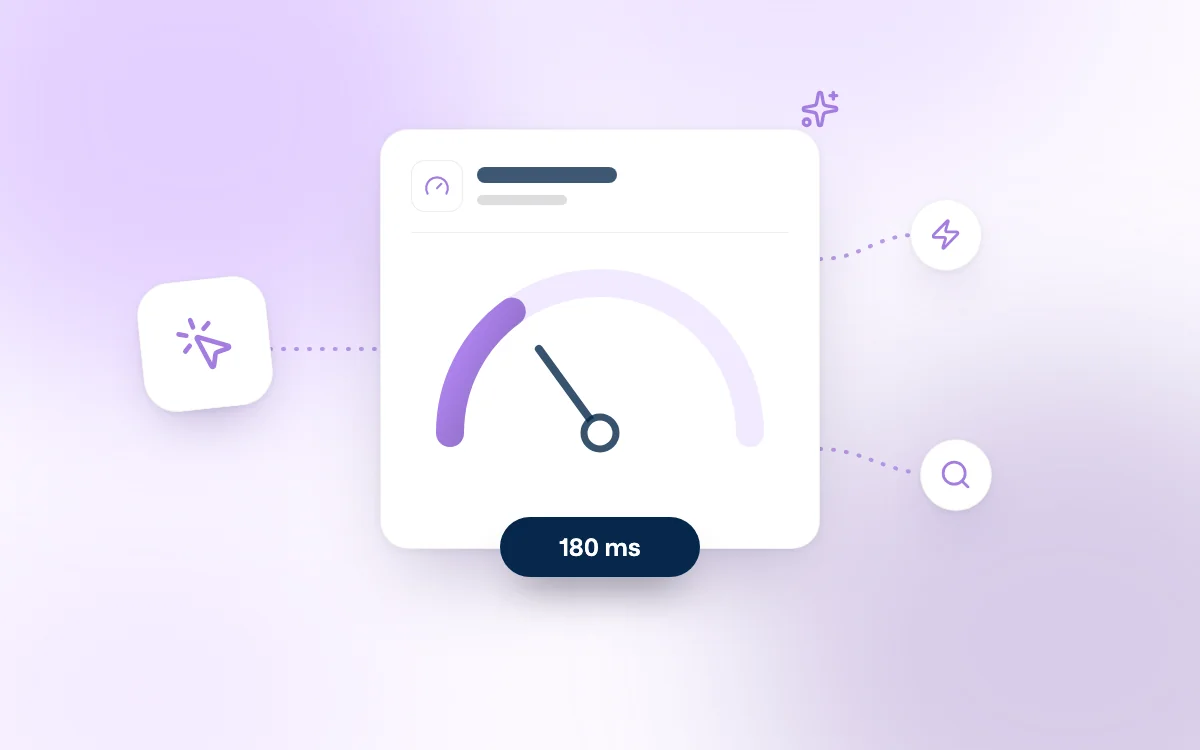
Since March 2024, Google has officially replaced FID (First Input Delay) with a new key metric: INP, for Interaction to Next Paint. This change, seemingly minor, is nonetheless upending the benchmarks of front-end developers and SEO teams. Unlike FID, which only measured the user's very first interaction, INP captures the latency of all the interactions performed on a page. The result: performance metrics become much more demanding, and front-end optimization can no longer be limited to a fast load time. You now have to guarantee consistent responsiveness throughout the user session.
INP measures the time elapsed between a user interaction (click, key press, tap) and the moment the interface actually starts responding visually to that interaction. So it is not just a test of the first impression: it is an overall indicator of the perceived smoothness across the entire page.
Google recommends keeping an INP value below 200 milliseconds at the 75th percentile. Between 200 and 500 ms, performance is considered "needs improvement." Above 500 ms, the page is deemed poorly responsive, which can have a negative SEO impact.
👉 Official Google documentation: Introduction to INP
The inclusion of INP in the Core Web Vitals confirms Google's intention to favor sites that offer smooth navigation and a good user experience. Where FID settled for a single signal on the first interaction, INP enables a continuous assessment of responsiveness.
This is a major change: a site that seems fast when loading can still suffer critical slowdowns during actual use. For Google, this kind of latency harms the user experience and deserves to be penalized in the rankings.
For an overview of these changes and how they relate to SEO, you can read our article dedicated to the Google SEO 2025 update
INP is measured from field data, collected on users' real browsers (notably via Chrome). This provides a representative view of the performance actually perceived, beyond lab tests.
Several Google tools let you view or use this data:
In addition, developers can analyze interaction delays locally using the performance tools in Chrome DevTools.
Improving INP requires a paradigm shift: it is no longer enough to optimize the initial load; you also need to lighten everything that happens during the interaction. JavaScript must be kept under control, long tasks must be broken up, and the interface must stay responsive even after several minutes of browsing.
This involves:
The best way to keep INP under control is to build it into your tools and workflows. In production, regular monitoring of the Core Web Vitals lets you track how they evolve over time, as deployments and new features roll out. Upstream, you can include Lighthouse tests in your CI processes to catch regressions during development.
It also makes sense to align your product metrics and your SEO goals: if your conversion funnel suffers from latency on mobile, the impact will be felt on user experience, on search rankings and ultimately on your conversion rates.
The arrival of INP as the main Core Web Vital for responsiveness is a logical but demanding step forward. It requires developers to pay continuous attention to JavaScript performance and front-end architecture. A site that loads fast is no longer enough: it must also stay smooth and responsive throughout the browsing session. By anticipating these expectations and structuring your projects around continuous performance, you give yourself every chance to strengthen your SEO, your product quality and your conversion.
If you want to improve your Core Web Vitals (including INP) on a showcase or e-commerce site:
Follow Fragments Studio on Google
Add us to your preferred sources and our articles get surfaced first in Top Stories, AI Overviews and AI Mode.
 Tech · 6 min
Metabase for SMBs: centralize your data, build dashboards and track your KPIs in real time. A comparison with Power BI and Looker, and the tool's limits.
 Tech · 6 min
Using Cursor as a team in 2026: how to set up .cursorrules, share context, keep your code secure and compare Cursor with Claude Code and Copilot.
 Tech · 7 min
Scalable software architecture for SaaS in 2026: modular monolith or microservices, horizontal scaling, caching, message queues and the mistakes to avoid.
Fragments Studio handles everything: from strategy to production.
Discuss my project